 Customer Service& Support Blog
WhatsApp Customer Service for Malaysian Businesses: Complete Setup Guide
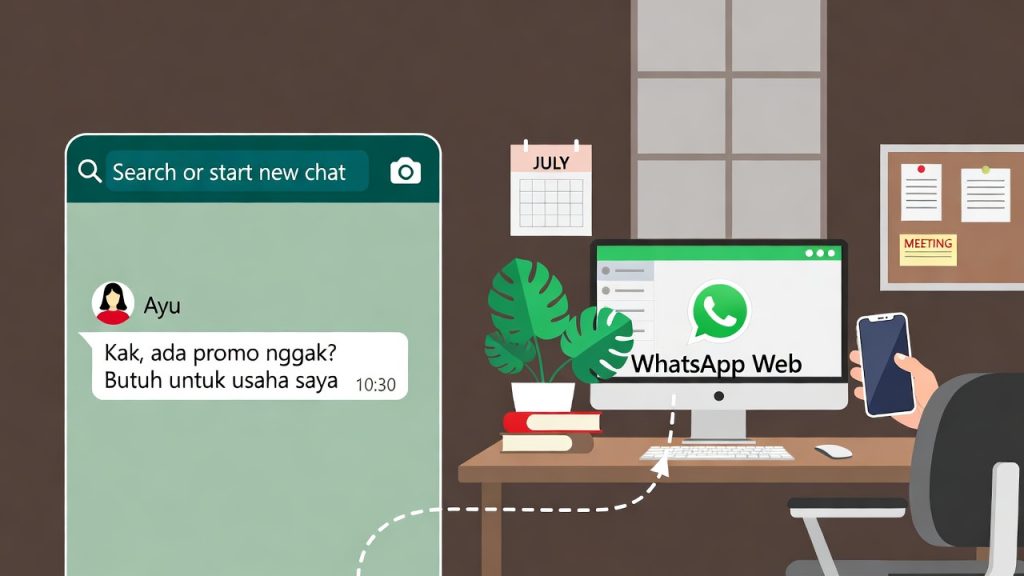
article summary:In Malaysia, WhatsApp is more than a messaging app—it’s the backbone of customer communication. With over 22 million users (80% of the country’s internet population), Malaysians prefer WhatsApp for its convenience, speed, and familiarity, making it the top channel for business customer service. Unlike free WhatsApp Business apps, which are limited to small-scale use, integrating WhatsApp Business API with a professional customer service platform like Udesk lets Malaysian businesses handle high-volume inquiries, automate workflows, and deliver localized support. This step-by-step guide walks you through everything you need to set up WhatsApp customer service, from API application to Udesk integration, plus real local case studies to help you avoid common pitfalls.



Table of contents for this article
- Why WhatsApp Customer Service Matters for Malaysian Businesses
- Step 1: Apply for WhatsApp Business API (Malaysia-Specific Process)
- Prerequisites for Malaysian Businesses
- 3-Step API Application Process (2–5 Business Days)
- Key Notes for Malaysian Applicants
- Step 2: Integrate WhatsApp API with Udesk (No Technical Expertise Needed)
- Pre-Integration Checklist
- Step-by-Step Integration Guide
- Post-Integration Tips for Malaysian Businesses
- Step 3: Learn from Malaysian Business Case Studies
- Case Study 1: Local E-Commerce Store (Kuala Lumpur)
- Case Study 2: Malaysian Real Estate Agency (Penang)
- Common Pitfalls to Avoid (Malaysia-Specific)
- Final Setup Checklist
- 》》Click to start your free trial of Udesk customer service solution, and experience the advantages firsthand.
Why WhatsApp Customer Service Matters for Malaysian Businesses
Step 1: Apply for WhatsApp Business API (Malaysia-Specific Process)
Prerequisites for Malaysian Businesses
-
A registered Malaysian business (SSM-registered, with a valid business license).
-
A dedicated phone number (local Malaysian number, not used for a personal WhatsApp account; can be a landline or mobile number).
-
Business documentation: SSM registration certificate, company address proof, and a valid email address linked to your business.
-
Brand assets: Official logo (for WhatsApp Green Tick verification, optional but recommended for trust).
3-Step API Application Process (2–5 Business Days)
-
Choose an Authorized BSP: For Malaysian businesses, Udesk is the most convenient option—its built-in BSP integration eliminates the need to work with multiple providers. Alternatively, you can use Meta’s direct Cloud API, but this requires technical expertise. Udesk simplifies the process with local support in Malay, English, and Mandarin.
-
Submit Application & Documentation: Through Udesk’s dashboard, submit your business details (SSM number, address, phone number) and required documents. Udesk will review your application to ensure compliance with Meta’s policies (e.g., no spammy messaging) and Malaysian data privacy laws.
-
Verify Number & Approve Templates: Meta will send a verification code to your dedicated phone number (via SMS or call). Once verified, you’ll need to create and approve message templates (e.g., order confirmations, support greetings)—these templates must be approved by Meta to avoid account restrictions. For Malaysia, templates can be in Malay, English, Mandarin, or Tamil, aligning with the country’s multilingual population.
Key Notes for Malaysian Applicants
WhatsApp API pricing in Malaysia is usage-based, with costs varying by message type (all prices in USD per message): Utility (transaction-related): $0.02; Marketing: $0.086; Verification (OTPs): $0.018; Service (user-initiated): $0.022. Udesk includes API access in its omnichannel plans, so you don’t need to pay extra for Meta’s API fees separately.
Step 2: Integrate WhatsApp API with Udesk (No Technical Expertise Needed)
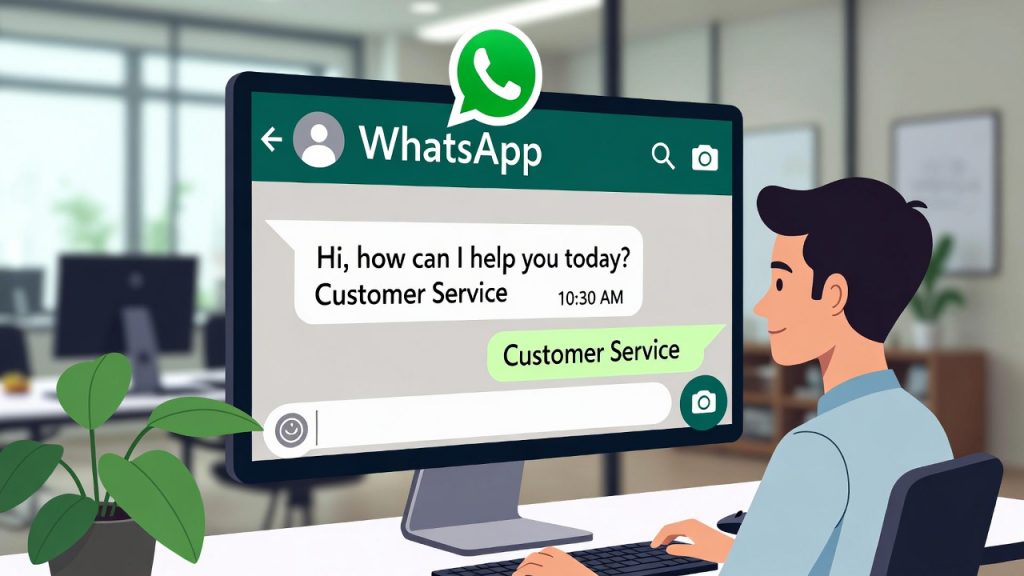
Udesk’s seamless integration with WhatsApp API lets you manage all WhatsApp conversations alongside other channels (e.g., email, live chat) in one dashboard. The process takes 30–60 minutes, and no coding is required—follow these simple steps:
Pre-Integration Checklist
-
Active Udesk account (sign up for a 14-day free trial if you don’t have one; Udesk offers Malaysian pricing plans).
-
Approved WhatsApp Business API (from Step 1, via Udesk’s BSP).
-
Udesk admin access (to configure integration settings).
Step-by-Step Integration Guide
-
Log in to Udesk Dashboard: Navigate to the “Admin” tab and select “Channel Integration” from the sidebar.
-
Select WhatsApp Integration: Click “Add Channel” and choose “WhatsApp Business API.” Udesk will redirect you to a setup page where you can link your approved WhatsApp number.
-
Authorize Udesk Access: Enter your WhatsApp API credentials (provided by Udesk after your API approval) and click “Authorize.” This grants Udesk permission to send and receive messages on your behalf.
-
Configure Settings: Customize your WhatsApp customer service rules:
-
Auto-Reply: Set up a greeting message (e.g., “Selamat pagi! Terima kasih untuk menghubungi kami. Kami akan menjawab pertanyaan anda dalam 1 jam.”) for after-hours or high-volume periods.
-
Message Routing: Assign WhatsApp conversations to specific agents or teams (e.g., Malay-speaking agents for local inquiries, Mandarin-speaking agents for Chinese customers).
-
Template Sync: Sync your approved Meta message templates to Udesk, so you can quickly send order updates, OTPs, or support reminders without retyping.
-
Test the Integration: Send a test message from a personal WhatsApp account to your business number. Check if the message appears in Udesk’s dashboard and if auto-replies work correctly. Resolve any issues (e.g., message delays) with Udesk’s local support team.
-
Go Live: Once testing is complete, enable WhatsApp support for your customers. Promote your WhatsApp number on your website, social media, and packaging (e.g., “Hubungi kami di WhatsApp: +6012-345-6789”).
Post-Integration Tips for Malaysian Businesses
Enable Udesk’s AI chatbot to handle routine queries (e.g., “Bagaimana cara mengembalikan barang?” or “How to track my order?”) 24/7, reducing agent workload by up to 70%. Udesk’s AI is trained on Malaysian linguistic patterns, ensuring accurate responses in local languages. Also, use Udesk’s analytics to track metrics like response time, resolution rate, and customer satisfaction specific to your WhatsApp channel.
-
Choose an Authorized BSP: For Malaysian businesses, Udesk is the most convenient option—its built-in BSP integration eliminates the need to work with multiple providers. Alternatively, you can use Meta’s direct Cloud API, but this requires technical expertise. Udesk simplifies the process with local support in Malay, English, and Mandarin.
-
Submit Application & Documentation: Through Udesk’s dashboard, submit your business details (SSM number, address, phone number) and required documents. Udesk will review your application to ensure compliance with Meta’s policies (e.g., no spammy messaging) and Malaysian data privacy laws.
-
Verify Number & Approve Templates: Meta will send a verification code to your dedicated phone number (via SMS or call). Once verified, you’ll need to create and approve message templates (e.g., order confirmations, support greetings)—these templates must be approved by Meta to avoid account restrictions. For Malaysia, templates can be in Malay, English, Mandarin, or Tamil, aligning with the country’s multilingual population.
Key Notes for Malaysian Applicants
WhatsApp API pricing in Malaysia is usage-based, with costs varying by message type (all prices in USD per message): Utility (transaction-related): $0.02; Marketing: $0.086; Verification (OTPs): $0.018; Service (user-initiated): $0.022. Udesk includes API access in its omnichannel plans, so you don’t need to pay extra for Meta’s API fees separately.
Step 2: Integrate WhatsApp API with Udesk (No Technical Expertise Needed)
Udesk’s seamless integration with WhatsApp API lets you manage all WhatsApp conversations alongside other channels (e.g., email, live chat) in one dashboard. The process takes 30–60 minutes, and no coding is required—follow these simple steps:
Pre-Integration Checklist
-
Active Udesk account (sign up for a 14-day free trial if you don’t have one; Udesk offers Malaysian pricing plans).
-
Approved WhatsApp Business API (from Step 1, via Udesk’s BSP).
-
Udesk admin access (to configure integration settings).
Step-by-Step Integration Guide
-
Log in to Udesk Dashboard: Navigate to the “Admin” tab and select “Channel Integration” from the sidebar.
-
Select WhatsApp Integration: Click “Add Channel” and choose “WhatsApp Business API.” Udesk will redirect you to a setup page where you can link your approved WhatsApp number.
-
Authorize Udesk Access: Enter your WhatsApp API credentials (provided by Udesk after your API approval) and click “Authorize.” This grants Udesk permission to send and receive messages on your behalf.
-
Configure Settings: Customize your WhatsApp customer service rules:
-
Auto-Reply: Set up a greeting message (e.g., “Selamat pagi! Terima kasih untuk menghubungi kami. Kami akan menjawab pertanyaan anda dalam 1 jam.”) for after-hours or high-volume periods.
-
Message Routing: Assign WhatsApp conversations to specific agents or teams (e.g., Malay-speaking agents for local inquiries, Mandarin-speaking agents for Chinese customers).
-
Template Sync: Sync your approved Meta message templates to Udesk, so you can quickly send order updates, OTPs, or support reminders without retyping.
-
Test the Integration: Send a test message from a personal WhatsApp account to your business number. Check if the message appears in Udesk’s dashboard and if auto-replies work correctly. Resolve any issues (e.g., message delays) with Udesk’s local support team.
-
Go Live: Once testing is complete, enable WhatsApp support for your customers. Promote your WhatsApp number on your website, social media, and packaging (e.g., “Hubungi kami di WhatsApp: +6012-345-6789”).
Post-Integration Tips for Malaysian Businesses
Enable Udesk’s AI chatbot to handle routine queries (e.g., “Bagaimana cara mengembalikan barang?” or “How to track my order?”) 24/7, reducing agent workload by up to 70%. Udesk’s AI is trained on Malaysian linguistic patterns, ensuring accurate responses in local languages. Also, use Udesk’s analytics to track metrics like response time, resolution rate, and customer satisfaction specific to your WhatsApp channel.
-
Active Udesk account (sign up for a 14-day free trial if you don’t have one; Udesk offers Malaysian pricing plans).
-
Approved WhatsApp Business API (from Step 1, via Udesk’s BSP).
-
Udesk admin access (to configure integration settings).
Step-by-Step Integration Guide
-
Log in to Udesk Dashboard: Navigate to the “Admin” tab and select “Channel Integration” from the sidebar.
-
Select WhatsApp Integration: Click “Add Channel” and choose “WhatsApp Business API.” Udesk will redirect you to a setup page where you can link your approved WhatsApp number.
-
Authorize Udesk Access: Enter your WhatsApp API credentials (provided by Udesk after your API approval) and click “Authorize.” This grants Udesk permission to send and receive messages on your behalf.
-
Configure Settings: Customize your WhatsApp customer service rules:
-
Auto-Reply: Set up a greeting message (e.g., “Selamat pagi! Terima kasih untuk menghubungi kami. Kami akan menjawab pertanyaan anda dalam 1 jam.”) for after-hours or high-volume periods.
-
Message Routing: Assign WhatsApp conversations to specific agents or teams (e.g., Malay-speaking agents for local inquiries, Mandarin-speaking agents for Chinese customers).
-
Template Sync: Sync your approved Meta message templates to Udesk, so you can quickly send order updates, OTPs, or support reminders without retyping.
-
Test the Integration: Send a test message from a personal WhatsApp account to your business number. Check if the message appears in Udesk’s dashboard and if auto-replies work correctly. Resolve any issues (e.g., message delays) with Udesk’s local support team.
-
Go Live: Once testing is complete, enable WhatsApp support for your customers. Promote your WhatsApp number on your website, social media, and packaging (e.g., “Hubungi kami di WhatsApp: +6012-345-6789”).
Post-Integration Tips for Malaysian Businesses
Enable Udesk’s AI chatbot to handle routine queries (e.g., “Bagaimana cara mengembalikan barang?” or “How to track my order?”) 24/7, reducing agent workload by up to 70%. Udesk’s AI is trained on Malaysian linguistic patterns, ensuring accurate responses in local languages. Also, use Udesk’s analytics to track metrics like response time, resolution rate, and customer satisfaction specific to your WhatsApp channel.
-
Auto-Reply: Set up a greeting message (e.g., “Selamat pagi! Terima kasih untuk menghubungi kami. Kami akan menjawab pertanyaan anda dalam 1 jam.”) for after-hours or high-volume periods.
-
Message Routing: Assign WhatsApp conversations to specific agents or teams (e.g., Malay-speaking agents for local inquiries, Mandarin-speaking agents for Chinese customers).
-
Template Sync: Sync your approved Meta message templates to Udesk, so you can quickly send order updates, OTPs, or support reminders without retyping.
Step 3: Learn from Malaysian Business Case Studies
Case Study 1: Local E-Commerce Store (Kuala Lumpur)
A mid-sized e-commerce store selling fashion and beauty products in Malaysia struggled with slow response times on WhatsApp (average 3 hours) and disorganized conversations. After integrating Udesk with WhatsApp API:
-
Response time reduced to 15 minutes (80% improvement).
-
Customer satisfaction increased from 65% to 88%—thanks to multilingual support (Malay, English, Mandarin) and 24/7 AI chatbot assistance.
-
Agent efficiency improved by 50%: Udesk’s routing feature directed inquiries to the right agent, eliminating back-and-forth.
-
Key win: Used WhatsApp templates to send order confirmations and shipping updates, reducing “where is my order?” inquiries by 60%.
Case Study 2: Malaysian Real Estate Agency (Penang)
A real estate agency in Penang needed a way to manage high-volume inquiries from potential buyers (e.g., property viewings, price inquiries) via WhatsApp. With Udesk and WhatsApp API:
-
Automated property details: The AI chatbot sent floor plans, price lists, and viewing schedules when customers asked specific questions (e.g., “Harga rumah di Georgetown?”).
-
Green Tick verification: Built trust with customers, increasing inquiry-to-viewing conversion by 30%.
-
Local compliance: Ensured all messages followed MCMC regulations and Meta’s policies, avoiding account restrictions.
Common Pitfalls to Avoid (Malaysia-Specific)
-
Using a personal WhatsApp number: This violates Meta’s policies and can lead to account bans—always use a dedicated business number.
-
Ignoring multilingual support: Malaysians speak multiple languages; failing to offer Malay, English, or Mandarin support will drive customers away.
-
Skipping message template approval: Sending unapproved messages (e.g., marketing spam) will result in API restrictions.
-
Not using local support: Choose a platform like Udesk with 24/7 local support—delayed technical help can disrupt customer service during peak hours (e.g., Ramadan sales).
Final Setup Checklist
-
✅ Apply for WhatsApp Business API via Udesk (submit SSM docs and verify number).
-
✅ Integrate WhatsApp API with Udesk (configure auto-replies and routing).
-
✅ Test the integration and resolve any issues.
-
✅ Enable AI chatbot and multilingual support.
-
✅ Promote your WhatsApp number to customers.
-
✅ Monitor analytics and optimize your service.
With WhatsApp and Udesk, Malaysian businesses can deliver the fast, localized customer service that consumers expect. The setup process is straightforward, and the return on investment—improved customer loyalty, reduced workload, and higher conversions—is significant. Start your 14-day Udesk free trial today to get started with WhatsApp customer service.
》》Click to start your free trial of Udesk customer service solution, and experience the advantages firsthand.
-
Automated property details: The AI chatbot sent floor plans, price lists, and viewing schedules when customers asked specific questions (e.g., “Harga rumah di Georgetown?”).
-
Green Tick verification: Built trust with customers, increasing inquiry-to-viewing conversion by 30%.
-
Local compliance: Ensured all messages followed MCMC regulations and Meta’s policies, avoiding account restrictions.
Common Pitfalls to Avoid (Malaysia-Specific)
-
Using a personal WhatsApp number: This violates Meta’s policies and can lead to account bans—always use a dedicated business number.
-
Ignoring multilingual support: Malaysians speak multiple languages; failing to offer Malay, English, or Mandarin support will drive customers away.
-
Skipping message template approval: Sending unapproved messages (e.g., marketing spam) will result in API restrictions.
-
Not using local support: Choose a platform like Udesk with 24/7 local support—delayed technical help can disrupt customer service during peak hours (e.g., Ramadan sales).
Final Setup Checklist
-
✅ Apply for WhatsApp Business API via Udesk (submit SSM docs and verify number).
-
✅ Integrate WhatsApp API with Udesk (configure auto-replies and routing).
-
✅ Test the integration and resolve any issues.
-
✅ Enable AI chatbot and multilingual support.
-
✅ Promote your WhatsApp number to customers.
-
✅ Monitor analytics and optimize your service.
》》Click to start your free trial of Udesk customer service solution, and experience the advantages firsthand.

The article is original by Udesk, and when reprinted, the source must be indicated:https://my.udeskglobal.com/blog/whatsapp-customer-service-for-malaysian-businesses-complete-setup-guide.html
AI chatbotWhatsApp customer service Malaysia